
How to Turn a Photo Into a Coloring Page (And What to Do With It)
You can use photo editors and AI tools to turn a suitable photo into coloring-page-style artwork. Start with a sharp image and a clear subject, then inspect the result closely: processing time, output quality, free-use limits, account requirements, and export options vary by tool.
This guide explains which photos give a converter a clearer starting point, what several current tools officially offer, and practical ways to use the finished design.
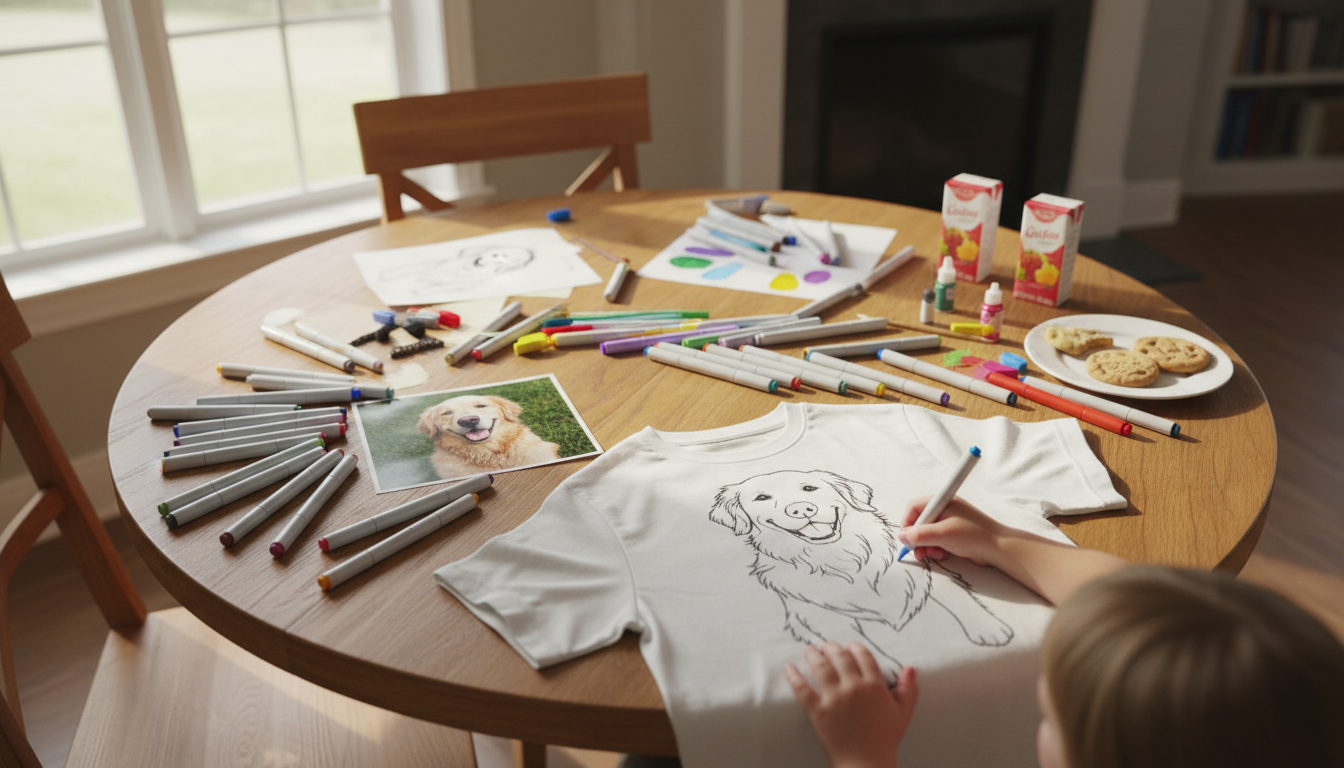
Why make a coloring page from a photo?
A photo-based coloring page can feature someone or something your family already knows: a pet, a relative, a favorite toy, or a memorable place. That personal connection can make the activity feel more meaningful than a generic page.
Possible uses include:
- A family gift: Let a child color a picture connected to a grandparent or another relative, then frame or mail the finished page.
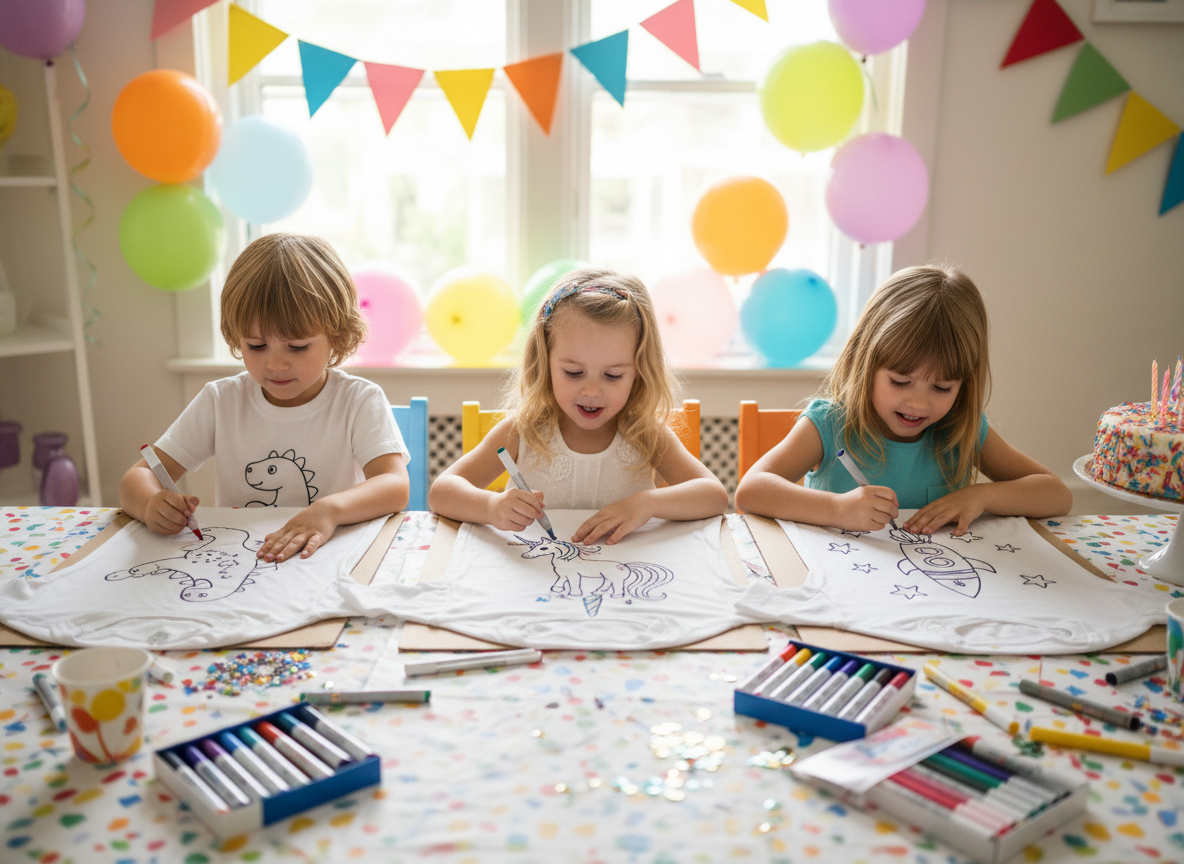
- A birthday activity: Prepare the same simple outline for several children, with adult supervision and age-appropriate coloring tools.
- A screen-free project: Choose a familiar subject, such as a family pet, and spend time coloring it together.
- A personalized item: Preview the transformed design on a supported color-it-yourself product when the current Studio offers that option.
Choose a photo that gives the tool a clear starting point
No photo rule guarantees a good coloring page, and different tools interpret the same image differently. These guidelines can reduce visual clutter:
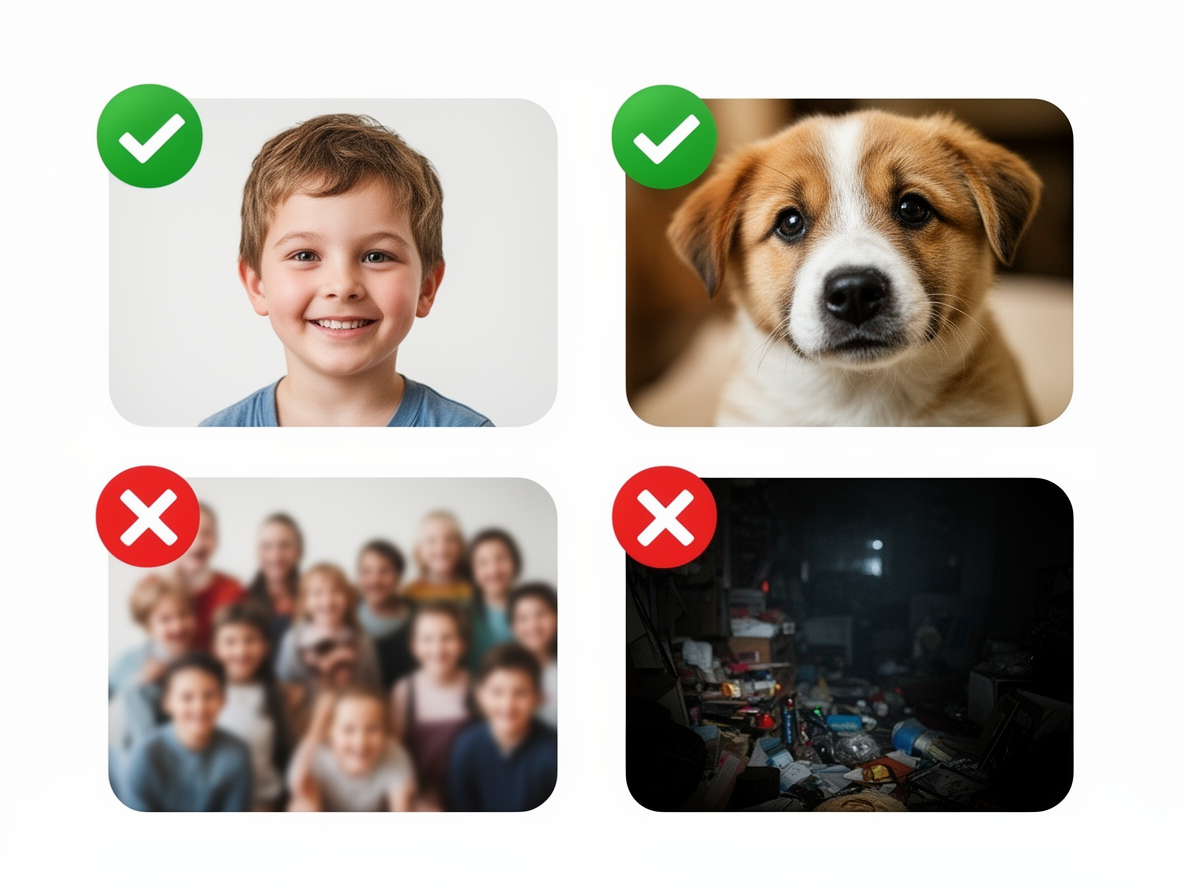
Photos that often give a cleaner starting point
- A clear focal subject: A close portrait, pet, or object is usually easier to interpret than a scene with several equally important subjects.
- Sharp focus and even light: Blur and deep shadows can hide the edges a tool needs to interpret.
- A simpler background: Plain walls and uncluttered rooms introduce fewer distracting lines.
- Visible separation: The subject should stand out from the background in shape or tone.
Photos that may need more cleanup
- Wide group photos in which individual faces are very small
- Landscapes or rooms filled with fine texture
- Blurry, compressed, or very low-resolution images
- Photos with heavy filters, dramatic shadows, or objects blocking the subject
Quick check: Look at the photo at full size. If you can identify the important edges without studying the background, the converter has a clearer starting point. Results can still vary.
What a useful transformation should preserve
A good result should keep the subject recognizable while simplifying areas that would be frustrating to color. Check faces, fingers, hair, pet markings, clothing edges, and any object that matters to the memory.
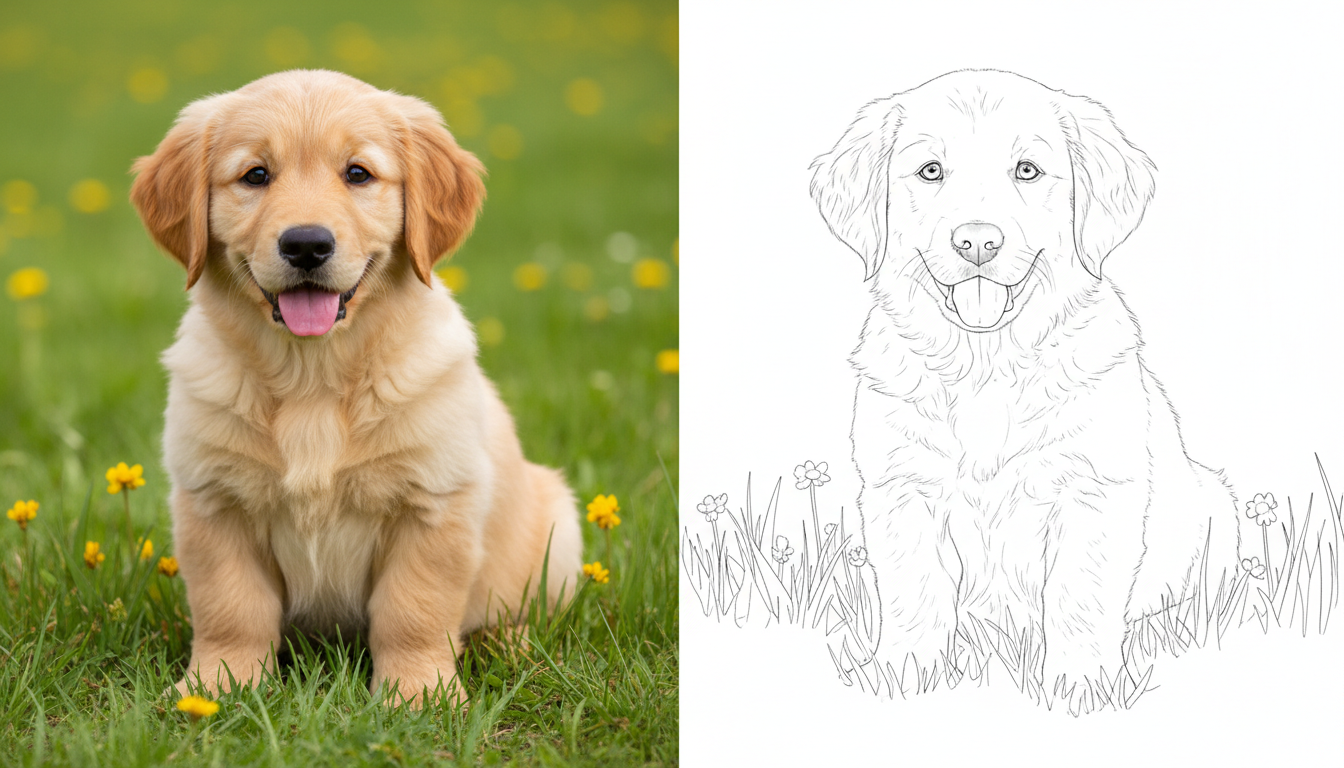
Zoom in before you print, save, or order. A small preview can hide broken outlines, unexpected shading, or details the tool changed.
Six current ways to create coloring-page-style artwork
1. DaVinci in You Studio
In the DaVinci in You Studio, upload a supported photo, choose Coloring Page, and review the transformed result. Guest mode offers limited free use, and the current Studio shows the available usage options.
DaVinci in You can also connect the transformation to product preview and ordering for supported personalized color-it-yourself items. This describes the verified workflow without making a category-wide exclusivity claim.
The current first-party evidence does not support a public promise about a specific number of daily credits, processing time, downloadable file type, resolution, or watermark status. Check the current Studio interface for the options available when you use it.
2. Online converters
The details below were checked against each provider’s official pages in July 2026. They report published terms rather than results from a same-photo performance test.
| Tool | Current official description | What to verify |
|---|---|---|
| Fotor | Markets a free photo-to-coloring converter with no watermark. | Fotor’s free-use guidance says an account is required. Check the current sign-in and export steps. |
| Mimi Panda | States that visitors can make up to two free conversions every seven days. | Check the current sign-in and export requirements on the converter page. |
| iColoring | Markets free conversion and several styles. | The page also displays premium controls, including Remove Watermark. Check the current export screen instead of assuming unlimited or watermark-free use. |
| Colorify AI | Markets free use without a login. | Its pricing page describes paid tiers and commercial-rights differences, so verify limits and allowed use for your project. |
3. Canva
Canva’s current Sketchify tool can create sketch and line-drawing-style effects from a photo. It is not a dedicated coloring-page workflow, so inspect the result for dark shading, crowded detail, and enough open space to color.
4. Photoshop
For a manual workflow, make a copy of the photo, desaturate it, use Threshold or Find Edges, and adjust Levels or Curves to clean up gray areas. Photoshop gives you direct control over cleanup, but it still takes judgment to decide which lines belong on the final page.
5. Procreate on iPad
Procreate’s current Adjustments menu does not include a “Pencil Sketch” effect. A defensible workflow is manual: use the documented Hue, Saturation, Brightness and Curves adjustments to simplify contrast, add a new layer, and trace or ink the important outlines with drawing tools. See the current Procreate Adjustments handbook before following version-specific steps.
6. ChatGPT Images
OpenAI’s current ChatGPT Images guidance says you can upload an existing image and describe the changes you want. For example, ask for simple black-and-white line art with no shading and open areas suitable for coloring.
Review the output carefully because it may reinterpret details rather than trace the photo exactly. OpenAI also notes that image generation may take a few minutes depending on complexity, so do not treat it as an under-one-minute method or assume that it will outperform a dedicated converter.
What to do with the finished design
Print and color when your chosen tool supports export
If the tool provides an export that fits your needs, print a test copy and inspect the lines at the size you plan to color. Use paper and coloring tools suited to the project and supervise children as appropriate.
Preview it on a color-it-yourself item
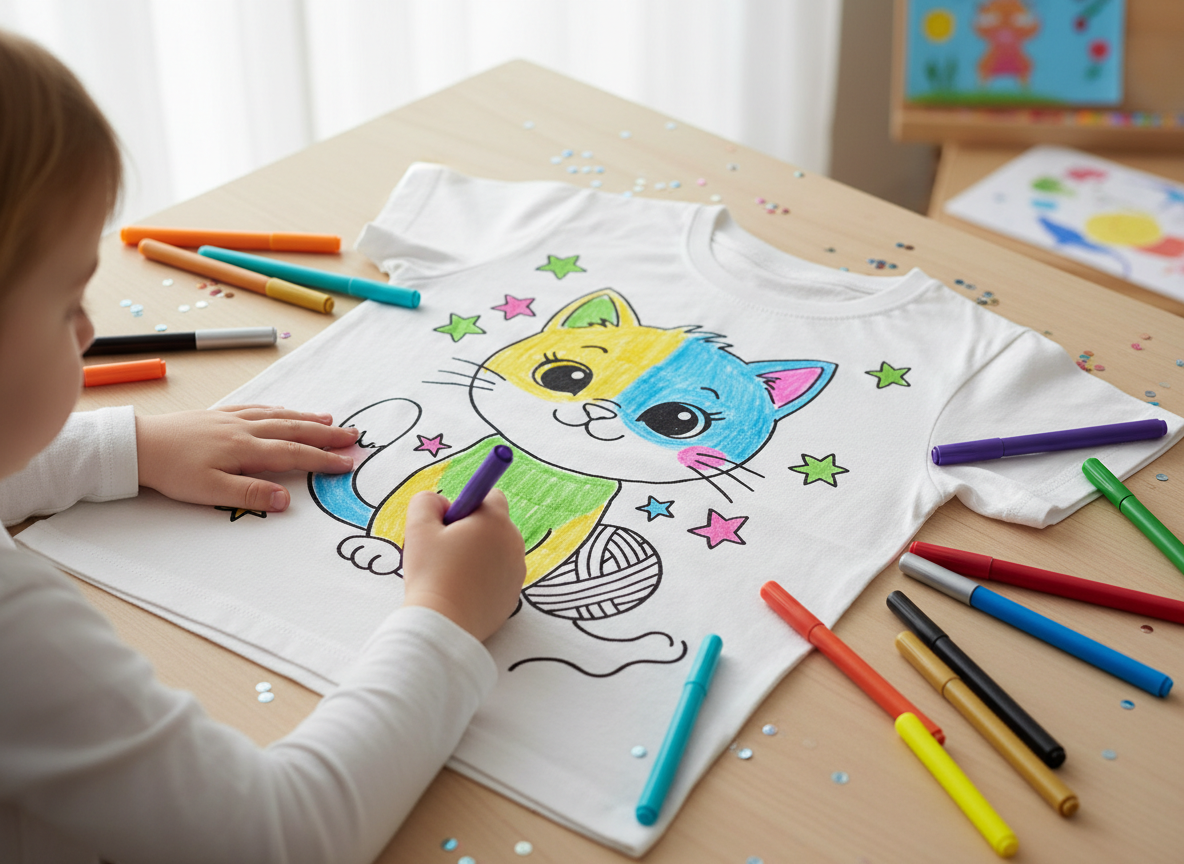
DaVinci in You can connect a photo transformation to previews of supported personalized products. Review the current listing for the exact item, size, and contents rather than relying on a universal kit description. For a larger project, browse the current blanket coloring kits.
For DaVinci in You fabric markers, heat-setting affects wash durability. Without heat, the color does not set permanently right away. A long air-set period may make it more permanent, but a later machine wash can still cause heavy fading. Have an adult heat-set the finished design promptly according to the item and marker instructions. After prompt heat-setting, machine-wash fading should be extremely light and may not be perceptible. Read the full guide to how permanent markers and fabric markers behave on clothing.
Make wrapping paper or framed art
If you have a printable file from your chosen tool, use copies as personalized wrapping paper or color and frame one as wall art. These options keep the project simple without requiring a product order.
Frequently asked questions
Is there an app that turns a picture into a coloring page?
Yes. DaVinci in You, Fotor, Mimi Panda, iColoring, Colorify, Canva, Photoshop, Procreate, and ChatGPT Images all offer different routes to coloring-page-style or line-art results. Account rules, free-use limits, processing time, and export options vary, so check the current tool before starting.
Can ChatGPT turn a photo into a coloring page?
ChatGPT Images can accept an uploaded image and follow instructions to create or edit an image. Ask for simple black-and-white line art with no shading, then review the result for changed details. Generation may take a few minutes, and there is no evidence here that its output is consistently better or worse than a dedicated converter.
What makes a good photo for a coloring page?
A sharp, well-lit photo with a clear focal subject and a simpler background often gives the tool a clearer starting point. This is guidance, not a guarantee; results still vary by photo and converter.
Can you put a coloring-page-style design on a shirt or blanket?
DaVinci in You can connect a photo transformation to product preview and ordering for supported personalized color-it-yourself items. Check the current product listing for sizes and contents. If using DaVinci in You fabric markers, have an adult heat-set the design promptly; without heat, a later machine wash may cause heavy fading, while fading after prompt heat-setting should be extremely light and may not be perceptible.
Ready to experiment? Open the DaVinci in You Studio and try a Coloring Page transformation.
Want a larger color-it-yourself project? Explore the current blanket coloring kits.