
How to Turn a Kid's Drawing Into a Mother's Day Gift
A kid's drawing is already personal. You do not need to make it look polished; you need a clear photo of the art and a gift format that suits Mom.
For Mother's Day, a child's drawing can become a shirt, apron, sweatshirt, blanket, or Coloring Page design the family helps finish. If the drawing already means something, keep the details that make it recognizably theirs.
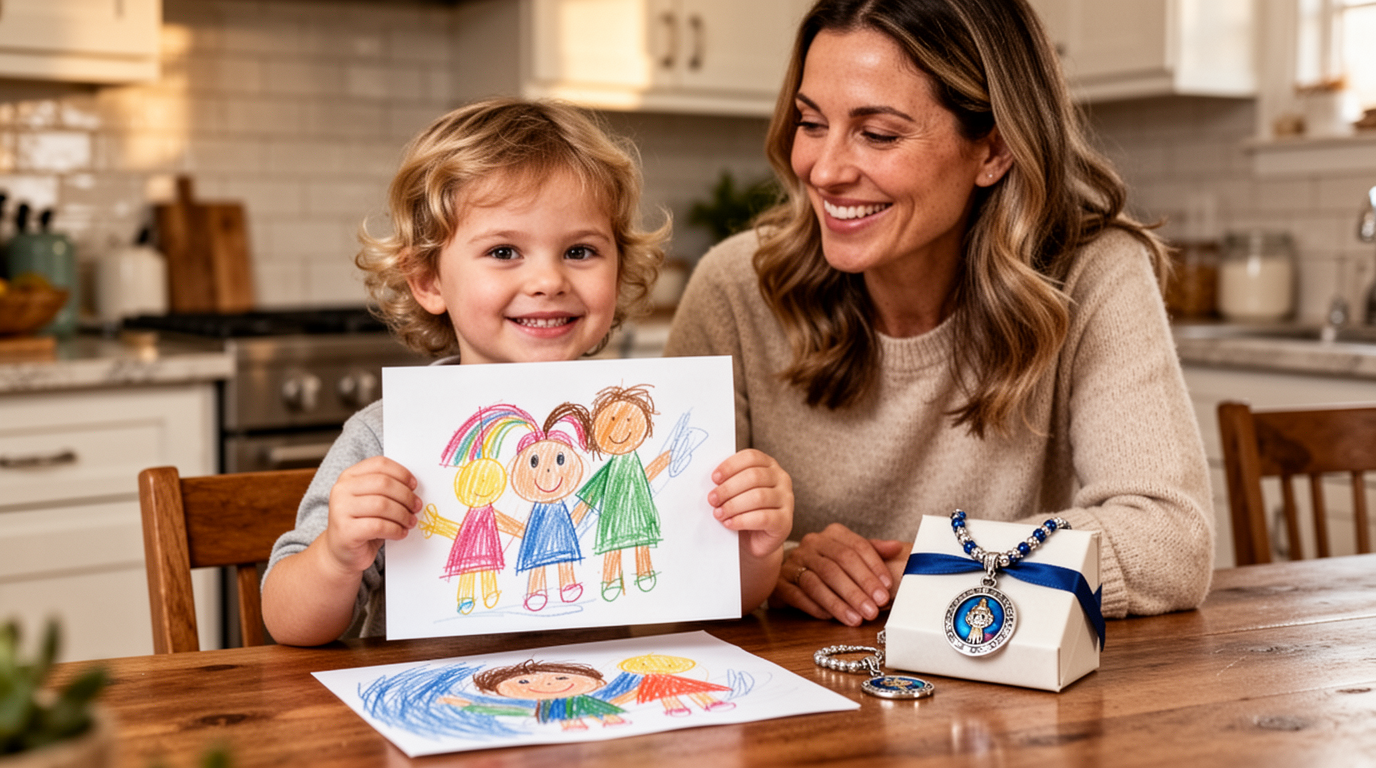
Start with the right drawing
A useful drawing usually has at least one of these qualities:
- a recognizable person, pet, or family moment;
- a funny detail you would never want to clean up;
- handwriting from the child; or
- a bold, simple composition that will still read when printed.
⭐ Keep the personality: Crooked flowers, uneven letters, and unexpected colors are often the parts the family will remember.
Best gifts to make from a kid's drawing
1. T-shirt
A t-shirt gives the drawing everyday use and works well when the art has a simple central subject.
2. Apron
An apron is a practical choice if Mom cooks, bakes, gardens, or does crafts.
3. Sweatshirt
A sweatshirt offers more room for a larger design and can feel more like a cozy keepsake.
4. Blanket
A blanket suits sentimental artwork when you want a larger home-based gift.
5. Coloring Page version of the drawing
This option combines a gift idea with an activity. Upload a clear photo of the drawing, choose Coloring Page, and preview the transformed design before selecting a product.
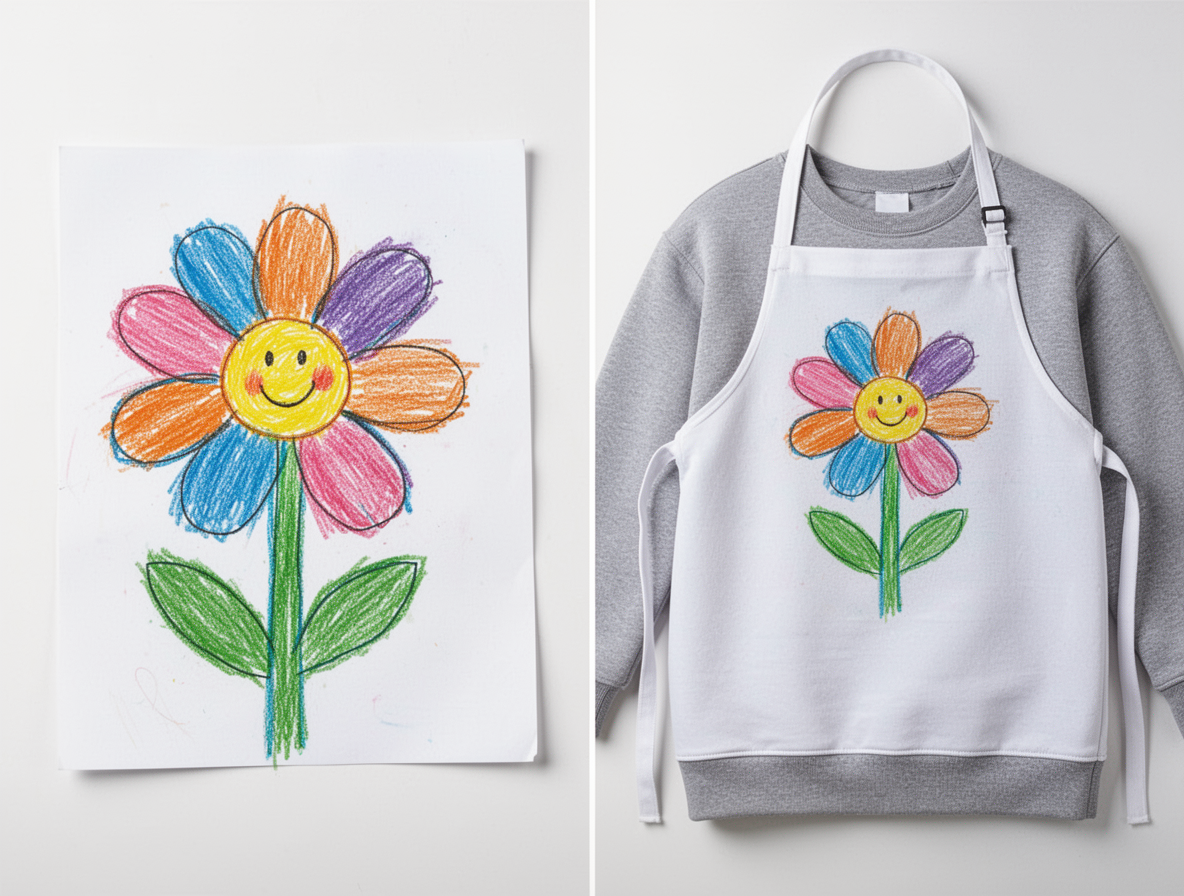
How to photograph the drawing
- Put the drawing on a flat surface in even light.
- Hold the phone straight above it so the page does not look skewed.
- Avoid shadows, bent paper, glare, and busy backgrounds.
- Check that the entire drawing is sharp before uploading it.
You do not need a scanner. A clear phone photo is usually enough for an upload. For more help choosing a tool and photo, read our guide to photo-to-coloring-page converters.
How DaVinci in You helps
- Upload the drawing and keep the original image for a personalized product preview.
- Choose Coloring Page or Cartoon Style if you want to transform the uploaded drawing.
- Start from a prompt when the drawing is only the beginning of a larger gift idea.
Start the Studio as a guest and preview your drawing.
Creating or previewing a digital Coloring Page does not include markers. When a physical product is sold as a color-it-yourself kit, that kit includes 10 fabric markers.
Fabric-marker care: Heat-set the finished design promptly, following the item’s specific instructions, before machine washing. With proper heat-setting, fading should be extremely light and may not be perceptible. Without prompt heat, the ink can become more permanent as it sits, but a later machine wash may still fade it heavily.
If you want a ready-to-color blanket rather than a custom drawing upload, browse the current blanket coloring kits.
Frequently asked questions
Do I need a scanner to turn kid art into a gift?
No. A clear phone photo usually works if the drawing is flat, evenly lit, sharp, and photographed from straight above.
Should I clean up the drawing first?
Only lightly. Remove distracting shadows or background clutter, but keep the child's original lines, shapes, colors, and handwriting.
Can I make the drawing into a Coloring Page gift?
Yes. Upload a clear photo of the drawing and choose Coloring Page in the Studio. If you later order a physical item sold as a color-it-yourself kit, that kit includes 10 fabric markers; the digital preview by itself does not.
How should I set the included fabric markers before washing?
Follow the specific item’s instructions and heat-set the finished design promptly before machine washing. Proper heat-setting should leave extremely light, sometimes imperceptible fading. Without prompt heat, the ink may set more as it sits but can still fade heavily in a later machine wash.